
by Vladimir Menshikov
Why Resource and Service Alerts Need Clear Rules
Servers and applications generate many status messages. When every high CPU reading or low disk warning looks the same, teams either chase noise or miss a real failure. A service can stop responding, a disk can fill, or a machine can overheat while lower-priority items keep arriving.
Smart system alerting watches key conditions and groups related messages so the important problems stand out. You define what matters. The system applies those rules.
Where Standard Alerts Fall Short
Raw event streams mix routine fluctuations with actual problems. The same underlying issue often appears as multiple separate messages. For Example:
A service stops responding and the alert is hard to find among ordinary resource warnings
Disk space warnings arrive one at a time even though several volumes on the same server are affected
High CPU or memory usage creates repeated messages without showing whether the condition is brief or sustained
Overheating or other hardware conditions generate separate events that are easy to overlook
Without grouping and clear thresholds, teams spend time sorting messages instead of acting on the ones that affect availability.
How System Event Alerting Works
The system monitors services, disks, CPU, memory, and device health on a regular cycle. It then creates alerts according to thresholds you set and combines related events from the same source.
Setting Thresholds for Key Conditions
You define limits for common problems. Examples include a service becoming unreachable, free disk space dropping below a set percentage, CPU or memory staying above a threshold for a defined period, or a temperature reading exceeding a safe range. Each condition can produce a different severity. Critical cases, such as a service down or a
disk already full, create a clear event and can notify the responsible team. Warnings remain visible for review.
Combining Related Events
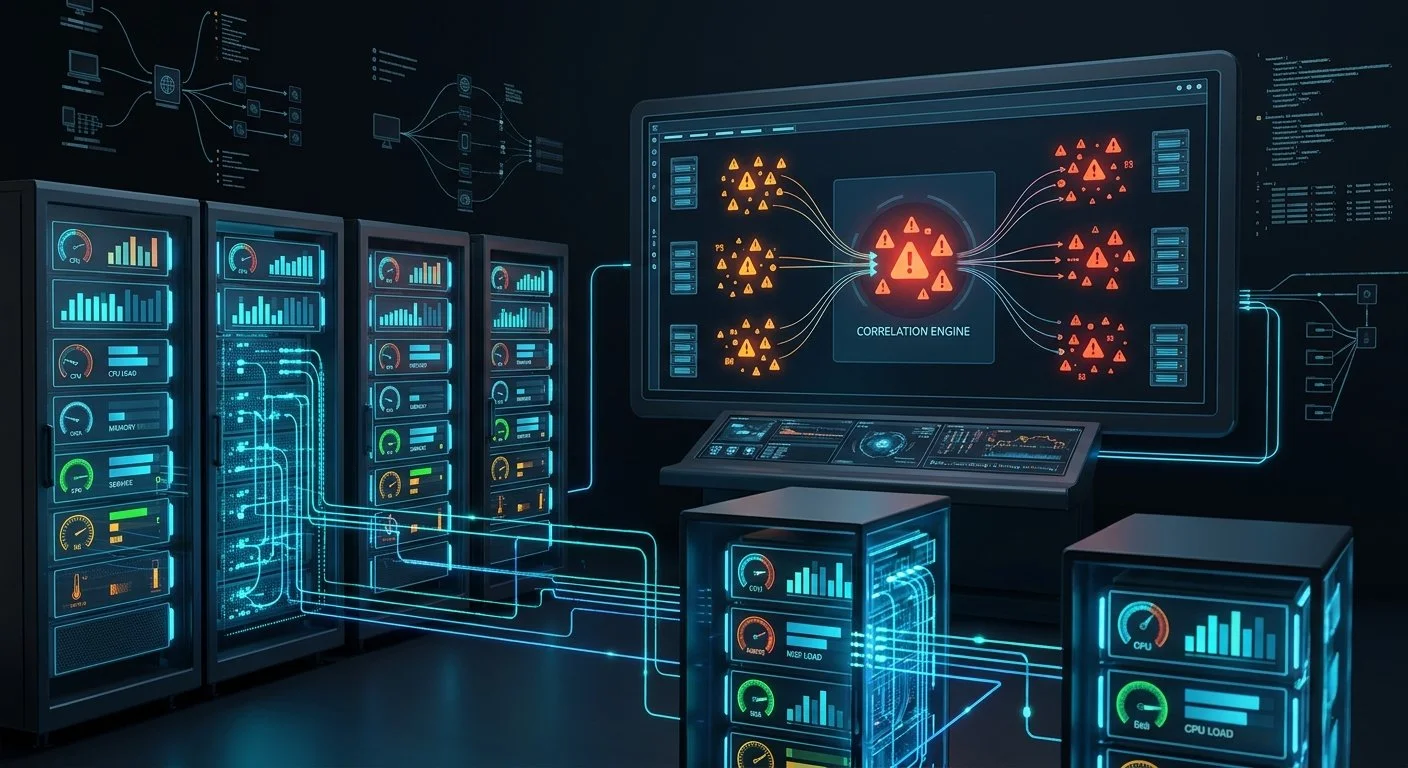
When several similar conditions appear from the same server or application, the system can group them into one correlated event. Instead of five separate disk warnings from one machine, you see a single alert that shows the overall situation. This reduces the number of messages while keeping the details available for investigation.
How It Helps You
Faster recognition of outages: Service failures and full disks stand out from ordinary resource activity
Fewer duplicate messages: Related events from the same source appear together
Clearer priorities: Thresholds separate brief spikes from sustained problems
Earlier hardware warnings: Conditions such as overheating are visible before they cause a failure
Time to Make System Alerts Actionable
Smart system alerting turns a stream of resource and service messages into a smaller set of clear signals. Teams see when a service is down, when disk or memory pressure is real, and when related problems belong together.
If current monitoring still produces long lists of similar warnings, adding thresholds and event correlation makes the same data easier to act on.