Know Exactly Which Software Versions Are Running in Your Company
by Danny Tung
Stop Guessing Which Software Versions You Have
Knowing exactly which applications and versions are installed across all your machines is one of the most valuable pieces of information an IT leader can have.
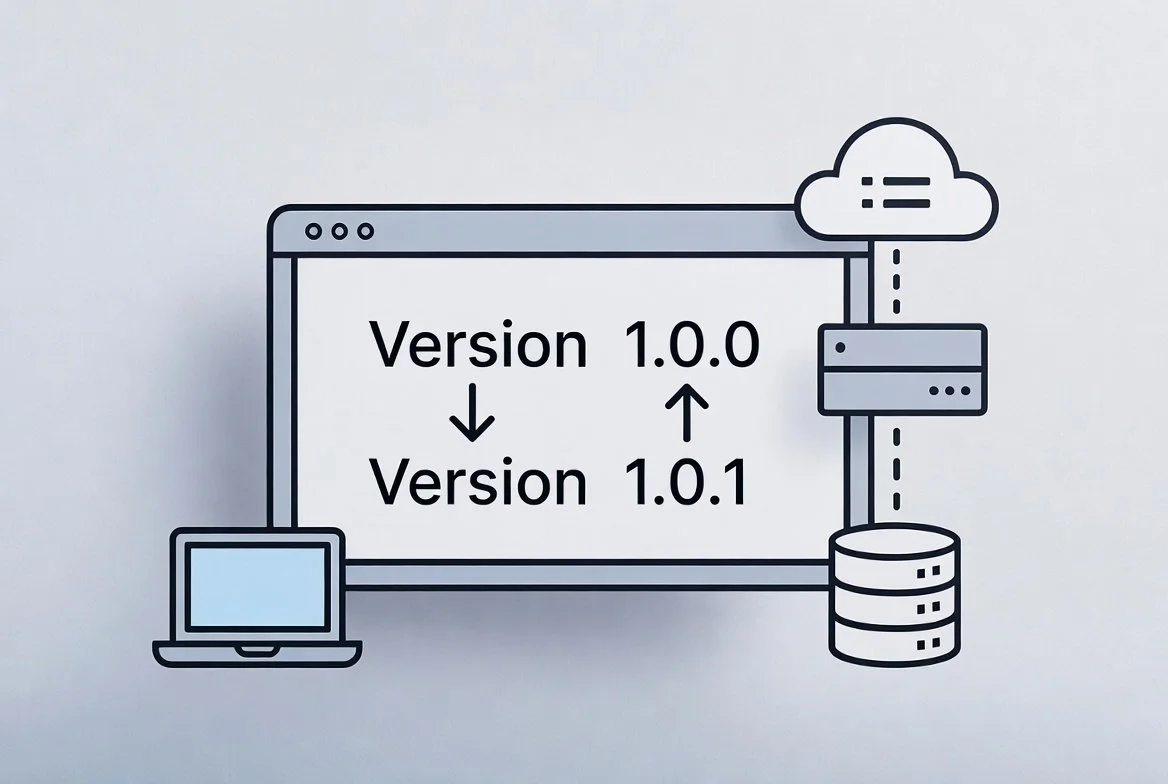
An automated system scans everything regularly and keeps a clean, accurate list of every software title and its version. No more chasing spreadsheets, emailing teams, or running manual checks. You simply know what is running, where, and in which version, all updated automatically and stored in a centralized database.
The Real Cost of Outdated Software Lists
Security teams are regularly wondering which machines still have old, vulnerable versions. Finance gets surprised by expensive license true-counts at the end of the year. Application owners cannot plan upgrades properly because they do not have a reliable picture of what is actually out there.
This creates real problems:
Higher security risks from unpatched software hiding on forgotten machines
Wasted money paying for licenses you no longer use
Delayed projects when incompatible software versions are discovered too late
Stressful compliance audits that take days or weeks to prepare
As companies rely on more cloud tools and let employees work from anywhere, keeping track of software versions manually becomes almost impossible.
How Automated Software Tracking Works
The core idea is simple and runs automatically. The system first finds all your devices, then looks inside each one to identify installed software and exact versions. It keeps the information fresh by scanning on a regular schedule or even continuously.
Discovering Software on Every Device
It automatically reads applications running on physical servers, virtual machines, laptops, containers, and cloud instances. For every piece of software it captures the product name,
publisher, version number, and when it was installed. This works across Windows, Linux, and cloud environments without manual effort.
Keeping Your Software List Always Current
Because the system runs regularly, new installations or version updates show up quickly in your inventory. You can create clear reports in minutes, such as:
All machines still running an outdated version of a critical application
Software usage broken down by department or location
License compliance status for every tool you own
What Your Business Actually Gains
Stronger security: Spot and patch vulnerable versions before attackers do
Better cost control: Remove unused licenses and avoid surprise bills
Smoother compliance: Always have accurate records ready for audits
Faster planning: Make confident decisions about upgrades and migrations
Time to Stop Guessing About Your Software
Having an automatic, always-current view of every software version running in your company removes a major source of risk and inefficiency. Security, finance, and IT teams can finally work with facts instead of guesswork.
If you are still unsure about what software versions exist in your environment, moving to automated tracking delivers quick wins and lasting control.