
Compatibility of Power BI Report Builder with Different Data Sources
By Daniil Slesarenko
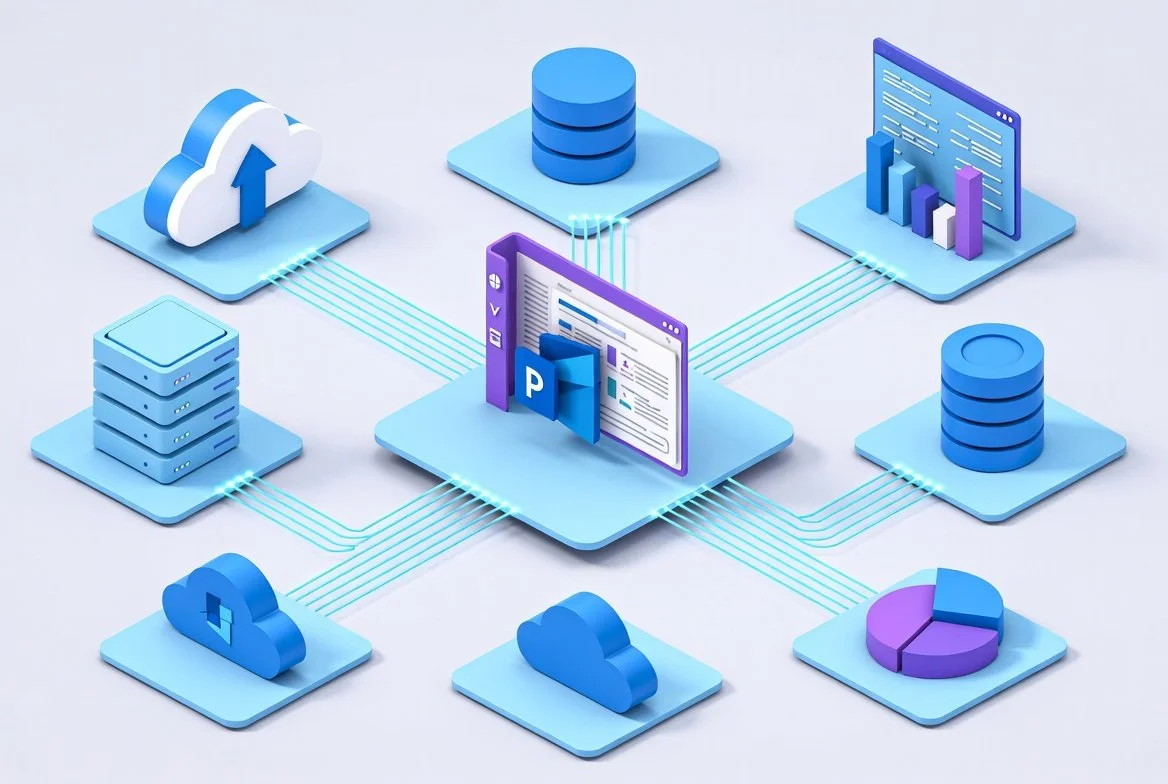
Power BI Report Builder is Microsoft’s dedicated authoring tool for creating paginated reports (.rdl)—pixel-perfect, highly formatted reports optimized for printing, operational reporting, and regulatory use cases. A key strength of Report Builder is its broad data source compatibility, allowing organizations to centralize reporting across cloud, on-premises, and hybrid environments.
This article provides a practical overview of which data sources are supported, how connectivity works, and what architectural considerations matter most.
What Is Power BI Report Builder?
Power BI Report Builder is the modern successor to SQL Server Reporting Services (SSRS) authoring tools. It enables report authors to design paginated reports that can be published to the Power BI Service, Power BI Premium, or Power BI Report Server.
Unlike Power BI Desktop, which focuses on interactive dashboards and semantic modeling, Report Builder prioritizes precise layout control, structured pagination, and multi-page outputs—making it ideal for invoices, statements, financial reports, and regulatory documents.
Categories of Supported Data Sources
Power BI Report Builder supports a wide range of data sources, which fall into three main categories:
Native cloud data sources
On-premises data sources (via gateway)
Power BI semantic models and datasets
Microsoft maintains a continuously updated list of supported data sources for paginated reports, which defines the authoritative compatibility matrix.
Natively Supported Cloud Data Sources
These data sources connect directly from the Power BI Service without requiring a gateway:
Azure SQL Database
Azure Synapse Analytics
Azure SQL Managed Instance
Azure Analysis Services
Power BI semantic models (datasets)
Dataverse
Direct Lake semantic models
These sources support SSO, OAuth2, or Basic authentication, depending on the platform. Power BI semantic models support both Import and DirectQuery modes, with a standard 10-minute execution timeout for DirectQuery workloads.
Power BI Semantic Models as Data Sources
One of the most powerful capabilities of Report Builder is the ability to connect directly to Power BI datasets (semantic models). This allows organizations to:
Reuse certified enterprise models
Enforce consistent business logic
Centralize security, governance, and transformations
Support exists for both Premium and non-Premium datasets, enabling paginated reports to query existing Power BI models across workspaces.
This architecture is particularly useful for enterprises that already maintain centralized data models in Power BI and want operational reporting without duplicating transformation pipelines.
On-Premises Data Sources (via Gateway)
For on-prem or private network environments, Power BI Report Builder connects using the Power BI On-Premises Data Gateway.
Common supported sources include:
SQL Server
Oracle
Teradata
IBM DB2
SAP HANA
Generic ODBC data sources
The gateway securely tunnels data queries from the Power BI Service to on-prem infrastructure, enabling hybrid reporting architectures. ODBC connectivity dramatically expands compatibility, supporting platforms such as Snowflake, Amazon Redshift, Vertica, and more.
Broad Connectivity Using Power Query (100+ Sources)
Recent updates added Power Query integration into Power BI Report Builder, unlocking 100+ supported connectors, including:
Snowflake
Databricks
Amazon Redshift
AWS services
SaaS platforms
This allows report authors to transform and shape data directly inside Report Builder, similar to Power BI Desktop workflows, dramatically expanding flexibility.
Embedded Data Sources and Hybrid Models
Paginated reports use embedded data sources, meaning credentials and connection definitions are stored within the report itself. This simplifies deployment but requires credential configuration after publishing.
Supported embedded data sources include:
Azure SQL
SQL Server (via gateway)
Azure Analysis Services
Power BI semantic models
Oracle
Teradata
This model supports hybrid reporting architectures, where multiple on-prem and cloud data systems feed a single paginated report.
Key Compatibility Considerations
1. Authentication Models
SSO is preferred for enterprise deployments, especially when leveraging Power BI semantic models and Azure-native services.
2. Query Performance Limits
DirectQuery connections to Power BI datasets impose a 10-minute timeout, which may require model optimization or alternative architectures for large queries.
3. Gateway Placement
For on-prem data sources, the Power BI gateway must be deployed in close network proximity to the source systems to minimize latency and maximize reliability.
4. Licensing Constraints
Publishing paginated reports to shared workspaces requires Power BI Pro, PPU, or Premium capacity, depending on scale and deployment requirements.
When Should You Use Power BI Report Builder?
Power BI Report Builder is best suited when:
Precise pagination and print-ready formatting are required
Regulatory, financial, or operational reporting is involved
Reports must integrate across cloud and on-prem data systems
Enterprise semantic models need to power formal documents
Final Thoughts
Power BI Report Builder offers exceptionally broad data source compatibility, spanning traditional databases, modern cloud platforms, SaaS systems, and enterprise semantic models. Combined with Power Query support and robust gateway integration, it provides one of the most flexible paginated reporting platforms available today.
For organizations building hybrid analytics ecosystems, Report Builder serves as a critical bridge between operational systems, cloud data platforms, and governed reporting experiences.