
Know Which Software Versions Are Actually Running
by Vladimir Menshikov
Why Software Inventory Matters More Than Most Lists
Most companies can name the applications they bought. Far fewer can say which versions are installed on which machines right now. Old versions stay in place. New ones appear without a clear record. The gap shows up during audits, patching, or license checks.
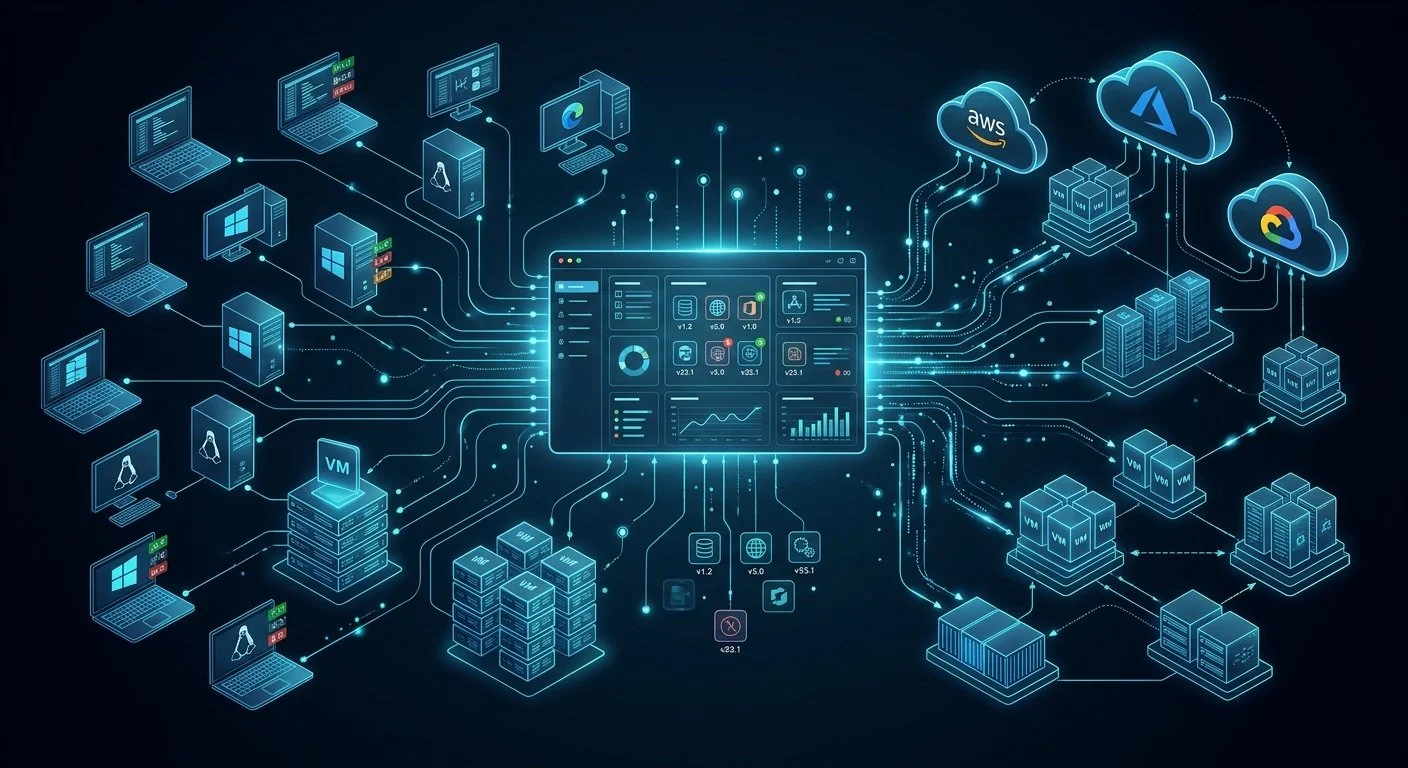
Automatic software discovery scans devices on a schedule and keeps a current list of installed applications and their versions. You work from what is actually running instead of from purchase records or last year’s spreadsheet.
Where Manual Tracking Falls Short
Hand-built software lists go out of date as soon as someone installs an update or deploys a new application. The problems appear later, usually when time is short.
Typical results:
Security teams cannot quickly find machines still running a vulnerable version
Finance gets unexpected costs because unused or extra licenses are hard to prove
Upgrade projects slow down because no one has a reliable count of what exists
Audits take longer while people chase missing or conflicting records
As teams use more cloud tools and allow local installs, the list changes faster than anyone can update it by hand.
How Software Discovery Works
The system finds devices first, then looks inside them to record installed software and exact versions. It repeats the scan on a regular cycle so the list stays closer to reality.
Collecting Software and Version Details
It reads applications from servers, virtual machines, laptops, and cloud instances. For each piece of software it captures the name, publisher, version number, and install date where that information is available. This works across Windows, Linux, and common cloud environments without someone logging in to check.
Keeping the List Current and Usable
Because the scan runs on a schedule, new installations and version changes show up in the inventory. You can then report on things such as all machines still running an older
version of a critical tool, or software usage broken down by location. The data is available for review instead of sitting in scattered files.
What You Actually Get
Clearer security view: Vulnerable versions are easier to locate and patch
Better license control: Unused or extra licenses are simpler to identify
Faster planning: Upgrade and compliance work starts from current data
Less manual chasing: Teams spend less time building and fixing lists by hand
Time to Stop Guessing About Versions
Automatic software discovery gives you a living list of what is installed and which versions are running. Security, finance, and IT teams can answer questions from one source instead of asking around.
If you still rely on spreadsheets or incomplete reports to know what software exists, putting discovery on a regular cycle removes a common source of risk and delay.