
by Daniil Slesarenko
Having a Backup Doesn't Guarantee Recovery
Most organizations understand the importance of backing up their data. Servers, databases, applications, and business documents are copied regularly so they can be restored if something goes wrong.
But having a backup system in place does not necessarily mean a business can recover from an incident.
What happens if ransomware encrypts the production environment and the backups connected to it? What if the backup job has been failing for weeks without anyone noticing? Or what if the files are available, but nobody has tested whether they can actually be restored?
A backup is only valuable if it is available, intact, and usable when you need it. Without proper protection and regular testing, an organization may discover that its recovery plan doesn't work when it matters most.
How Backups Can Fail
Backup failures aren't always obvious. A system may report that jobs have completed, but that doesn't guarantee every important application or file was captured correctly.
Some common problems include:
Backups connected to the production network: Attackers who gain administrative access may also be able to reach, delete, or encrypt backup data.
Unnoticed backup failures: Scheduled jobs can fail because of storage capacity, connectivity, configuration changes, or expired credentials.
Incomplete coverage: Important databases, virtual machines, application data, or configuration files may be missing from the backup schedule.
Insufficient retention: Backups may not go back far enough to recover a clean version from before an attacker gained access.
Untested recovery procedures: Files may exist, but restoration can fail because of corruption, missing dependencies, or outdated recovery instructions.
The problem is that these weaknesses often remain unnoticed until someone needs to restore a system.
Why Ransomware Targets Backups
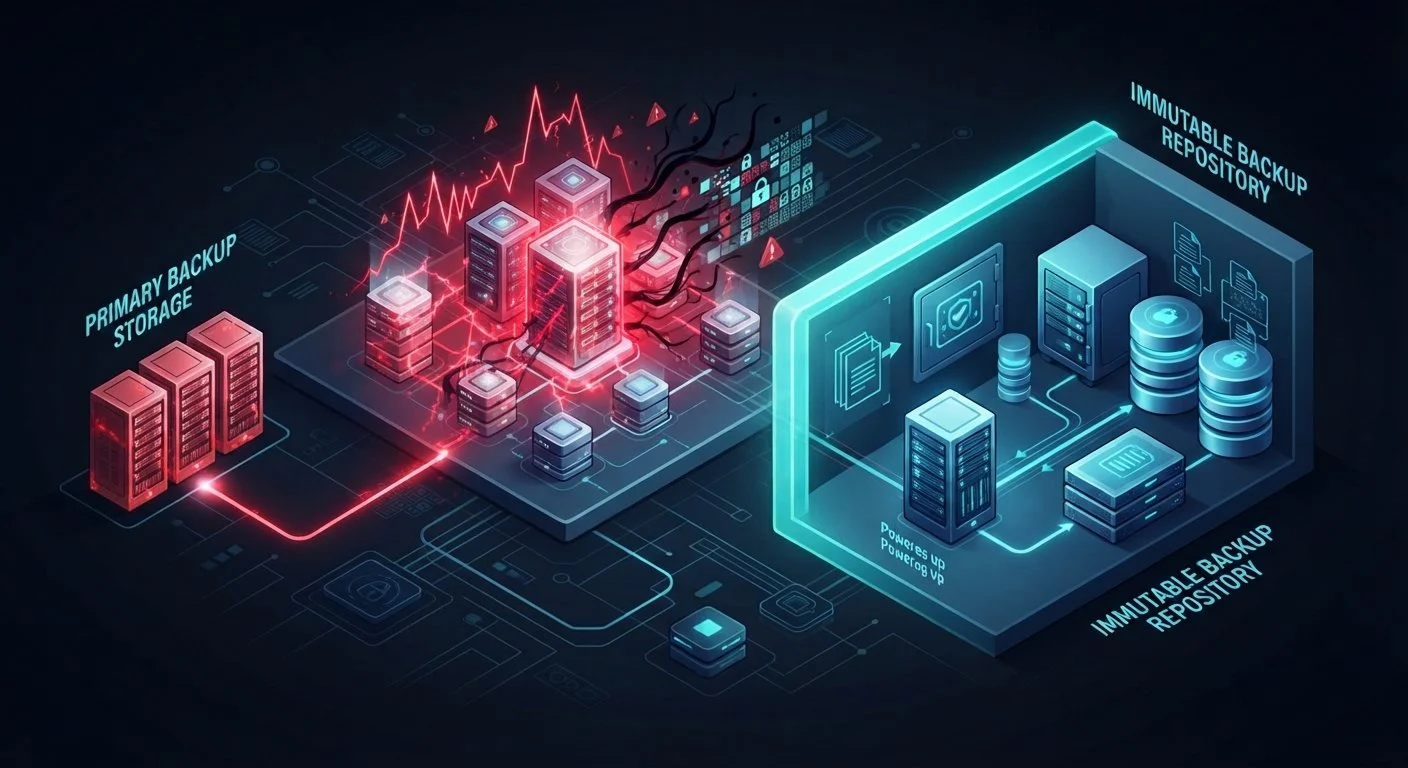
Modern ransomware attacks don't always stop at encrypting production systems. Attackers may deliberately search for backup servers, storage repositories, and management consoles.
If they obtain sufficient privileges, they may attempt to delete backup copies, encrypt stored data, disable backup services, or interfere with recovery operations.
This creates a much bigger problem. An organization may be left with encrypted production systems and no usable backup from which to restore them.
That is why backups should not rely entirely on the same access controls and infrastructure as the systems they protect. Separating backup environments and restricting administrative access can make it harder for an attacker to compromise both production data and its recovery copies.
What Makes a Backup More Resilient?
A reliable backup strategy needs more than a scheduled copy of important files. It needs multiple layers of protection.
One widely used approach is the 3-2-1 backup rule:
Keep at least three copies of important data, including the original.
Store those copies on at least two different types of storage or media.
Keep at least one copy off-site, separate from the primary location.
Organizations can strengthen this approach further with an additional offline or immutable copy and regular recovery verification. This is sometimes described as the 3-2-1-1-0 approach.
An immutable backup is protected against modification or deletion for a defined period. Depending on the technology and configuration, even an administrator may be unable to alter the protected copy during that period.
Offline backups provide another layer of separation because they are disconnected from the systems attackers may compromise. Neither approach should be treated as automatically secure, however. Access permissions, storage configuration, and recovery procedures still need to be protected.
Testing Your Backups Before You Need Them
A successful backup job is not proof that a business can recover. The only way to establish that is to test the restoration process.
Recovery testing should include more than opening a few backed-up files. Organizations should periodically restore complete systems, databases, applications, and virtual machines in an appropriate test environment.
Testing helps answer several important questions:
Can the organization restore the required data successfully?
How long does a full restoration actually take?
Are application dependencies and configurations included?
Can systems be recovered without relying on compromised production infrastructure?
Does the restored data meet the organization's recovery requirements?
Two useful measurements are Recovery Point Objective (RPO) and Recovery Time Objective (RTO).
RPO defines how much data loss an organization can tolerate, measured in time. For example, an RPO of four hours means the organization aims to recover data to a point no more than four hours before the disruption.
RTO defines how long the organization can afford to have a system unavailable before it needs to be restored.
These targets help determine how frequently backups should run and how quickly systems must be recoverable. They should reflect actual business requirements, not simply what the backup platform can provide.
Protect the Backups Themselves
Backup infrastructure deserves the same attention as production systems. If attackers can easily access backup repositories using compromised administrator credentials, the recovery environment may be exposed to the same incident.
Organizations should use separate administrative accounts, multifactor authentication, least-privilege permissions, and restricted access to backup management systems. Backup activity should also be monitored for unusual behaviour, including unexpected deletions, configuration changes, or failed jobs.
Retention policies should be reviewed regularly to ensure that older recovery points remain available for the required period. Organizations should also document who is responsible for restoring systems and what steps must be followed during an incident.
These controls help ensure that backups remain protected, monitored, and accessible to the people responsible for recovery.
Don't Find Out Your Backups Failed During an Emergency
Backups are one of the most important parts of business continuity, but they are often treated as a routine IT task rather than a critical recovery capability.
A reliable strategy requires more than copying data. Organizations need protected storage, appropriate retention, restricted access, monitoring, and regular restoration tests. They also need clear recovery targets so that IT teams know what must come back first and how quickly it needs to happen.
A backup that has never been restored is a recovery plan that has never been proven.
Don't wait for ransomware, hardware failure, or accidental deletion to discover that your backups aren't enough. Test them while your systems are still running.